3D Cabin
Wall Mount compatible with Netgear Nighthawk M1, M2, M3, M5, M6 and M7 Pro
Wall Mount compatible with Netgear Nighthawk M1, M2, M3, M5, M6 and M7 Pro
Couldn't load pickup availability
Give your mobile hotspot a fixed, safe spot. This custom holder is compatible with Netgear Nighthawk series hotspot routers and anchors the unit to a wall or cabinet, protecting it from spills and accidental drops while keeping the display visible and every port within reach.
- Fits the M1, M2, M3, M5, M6, M6 Pro and M7 Pro
- Open frame keeps side and rear ports accessible
- Front display stays fully visible
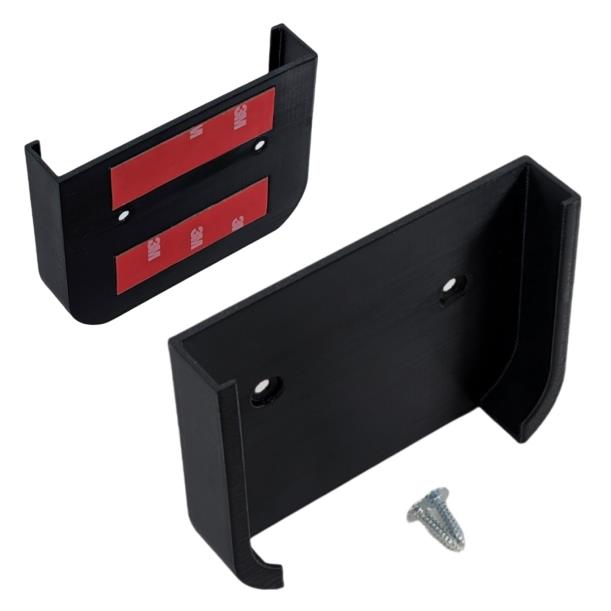
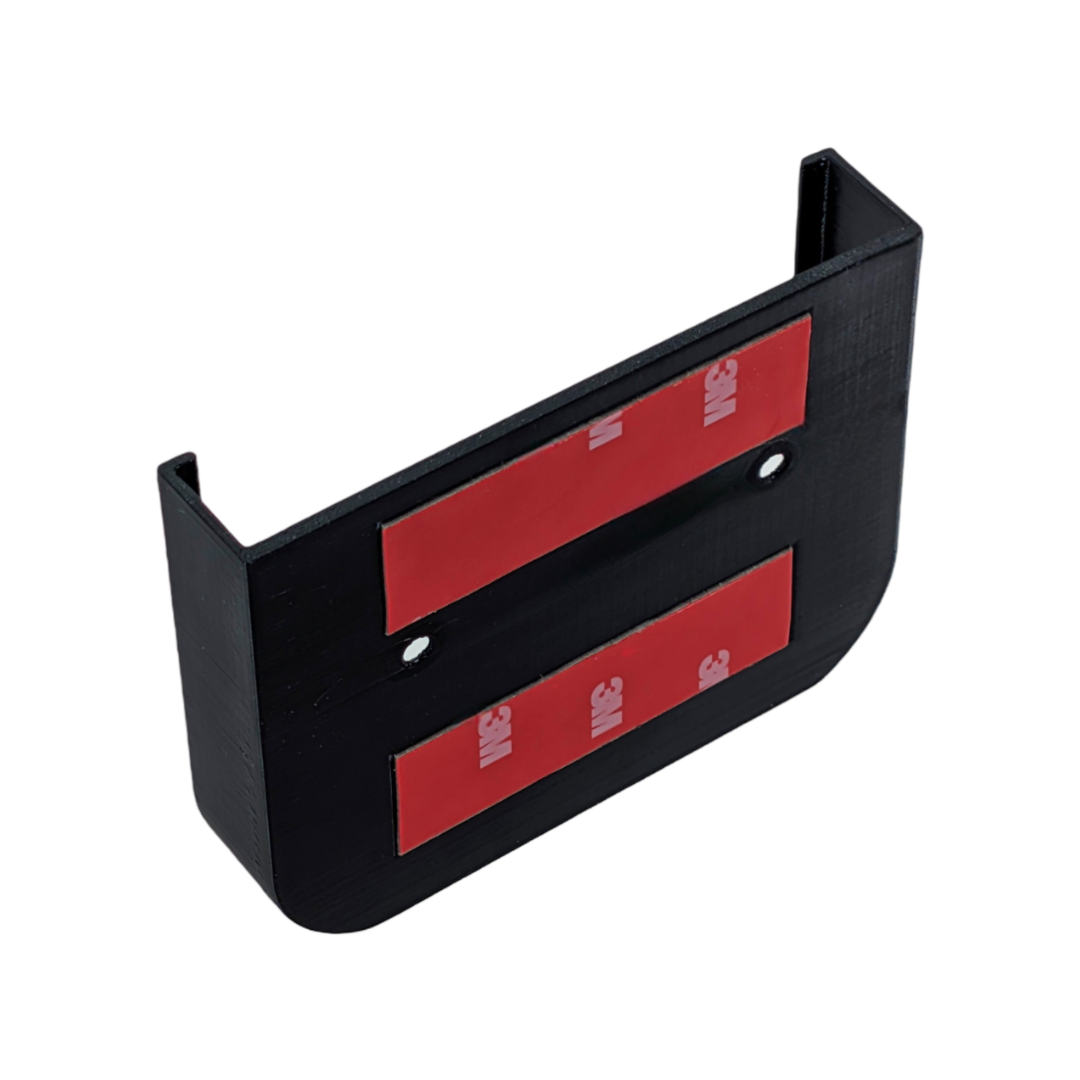
- Screws and anchors or pre-applied adhesive strips
- Mount on walls, cabinet sides or upside down under desks
Specifications
- Compatible with: Netgear Nighthawk M1 (MR1100), M2 (MR2100), M3 (MH3150), M5 (MR5200), M6 (MR6150), M6 Pro (MR6450) and M7 Pro (MR7450); not the standard M7
- Access: open frame for side and rear ports, including power cables, network leads and antenna extensions; front display kept visible
- Fixing: mounting screws and anchors for heavy-duty fixing, plus pre-applied high-tack adhesive strips for tool-free installation
- Orientation: vertically on walls and cabinet sides, or upside down underneath desks and countertops
- Finish: black
- Included: mount with screws, anchors and adhesive strips; the device is not included
FAQs
Which Nighthawk models does it suit?
The M1 (MR1100), M2 (MR2100), M3 (MH3150), M5 (MR5200), M6 (MR6150), M6 Pro (MR6450) and M7 Pro (MR7450). It is not compatible with the standard M7.
Can I still use the screen and ports?
Yes, the display stays visible and the open frame gives full access to side and rear ports.
Do I need to drill?
No, pre-applied adhesive strips allow tool-free fitting; screws and anchors are also included.
Is the router included?
No, you get the mount only.
Share